CLI Engineering Standards

Internal CLI blueprint that standardizes project structure, testing, and quality gates for rapid tooling delivery - operational excellence as a competitive moat that reduces engineering overhead and improves delivery speed across the portfolio.

TS
TypeScript
100%
Coverage Target
CI/CD
Integrated
MIT
Licensed
CLI engineering standards and scaffolding

Investor Summary

Operational excellence is a competitive moat. This repository codifies internal standards for building and shipping reliable command-line tools, reducing engineering overhead and improving delivery speed across the portfolio.

By standardizing project structure, testing strategies, and quality gates, we enable consistent tooling delivery that scales with the organization. Every new CLI tool starts from a proven foundation, eliminating boilerplate decisions and accelerating time-to-production.

The developer tooling market continues to grow as organizations recognize that internal productivity infrastructure directly impacts revenue velocity. Companies that invest in standardized engineering practices consistently outperform competitors in feature delivery cadence, onboarding speed, and defect rates. Our CLI engineering standards capture years of battle-tested patterns into an executable blueprint that compounds in value with every tool we ship.

What Is Included

  • ✓ Standardized CLI structure and entrypoint conventions
  • ✓ Testing strategy and coverage targets
  • ✓ Build, lint, and formatting workflows
  • ✓ Conventional commit and PR standards
  • ✓ CI/CD integration patterns
  • ✓ Error handling and logging conventions
  • ✓ Plugin architecture and extensibility patterns

Deep Dive: Architecture and Design Philosophy

Our CLI framework is built on the principle that developer experience is not a luxury but a force multiplier. Every architectural decision prioritizes predictability, composability, and zero-friction onboarding for new team members.

Command-First Architecture

Each CLI tool follows a command-first architecture where individual commands are self-contained modules with their own argument parsing, validation, and execution logic. This pattern ensures that tools remain composable and testable in isolation. Commands register themselves through a declarative manifest, enabling automatic help generation, shell completion, and documentation extraction without manual maintenance.

The entrypoint layer handles process lifecycle concerns such as signal handling, exit code management, and global error boundaries. This separation means command authors focus exclusively on business logic while the framework guarantees consistent operational behavior across every tool in the portfolio.

Type-Safe Configuration

Configuration is managed through TypeScript interfaces that validate at compile time. Environment variables, config files, and command-line flags merge through a priority chain with full type inference, eliminating an entire class of runtime configuration errors that plague traditional shell scripts and loosely-typed CLI tools.
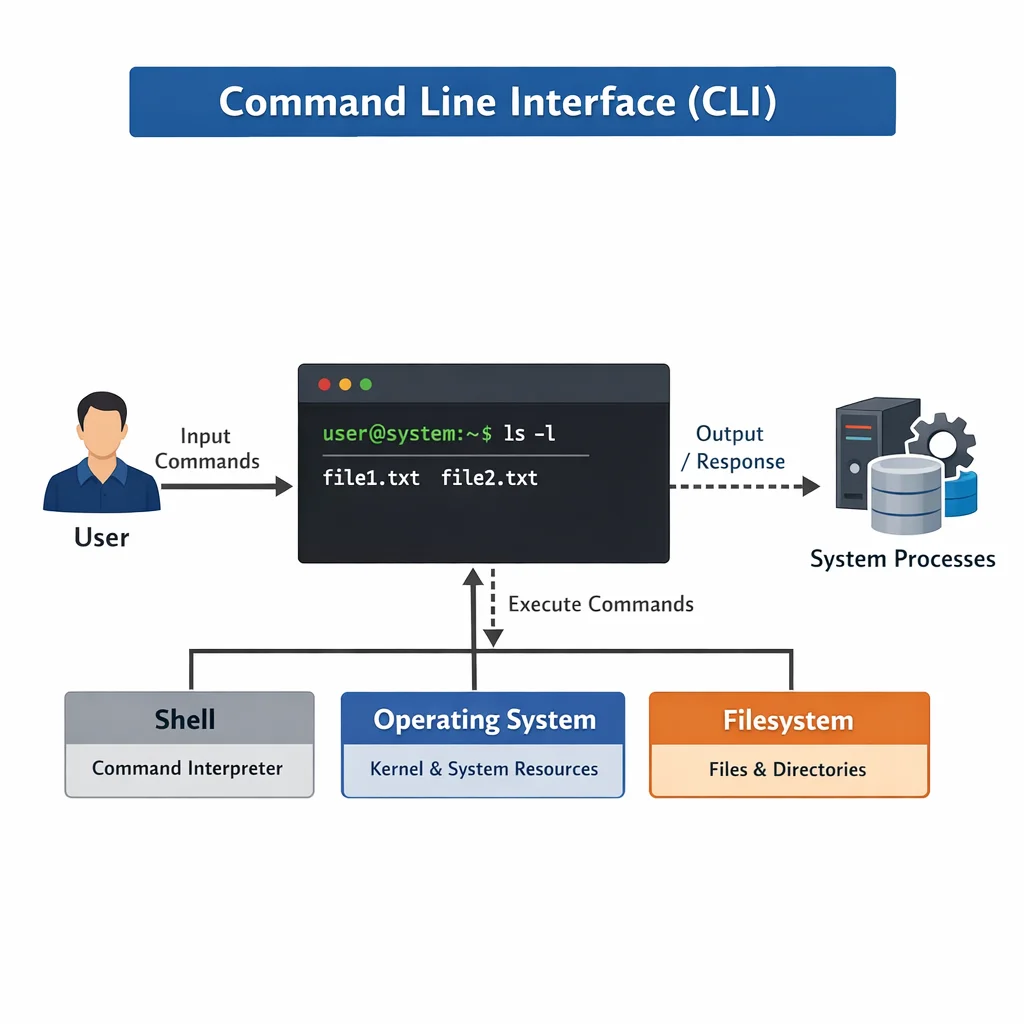
CLI tool architecture and command pipeline diagram

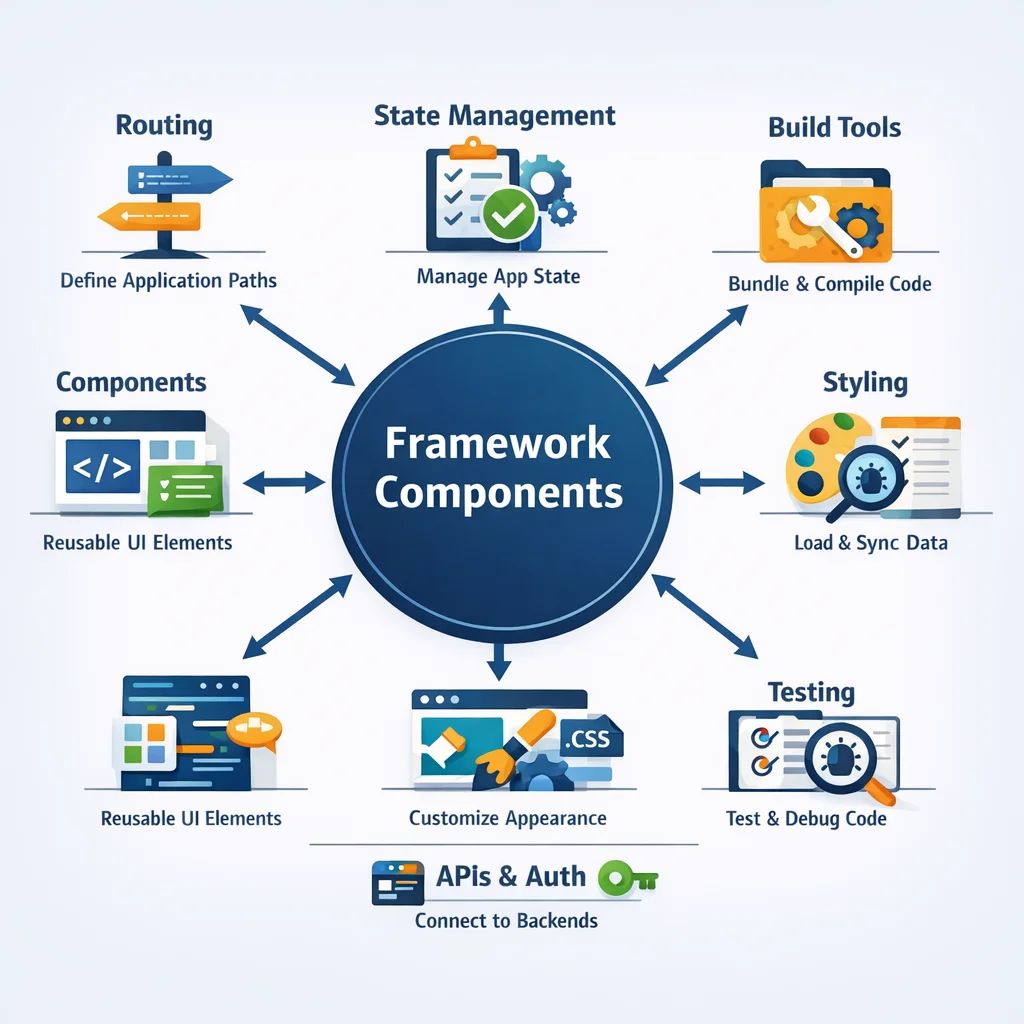
Framework Components

📁

Project Structure

Defined patterns for commands, libraries, and test organization. Consistent directory layout across all CLI tools in the portfolio ensures instant familiarity for every engineer.

Quality Standards

Comprehensive testing strategy with coverage targets and CI/CD integration. Quality gates that prevent regressions before code reaches production branches.

Developer Experience

Automated linting, formatting, and build processes for rapid iteration. Zero-config development environment setup gets engineers productive in minutes, not hours.

Implementation Details

From scaffolding a new project to shipping a production binary, every step follows documented conventions that eliminate ambiguity and accelerate delivery.

Automated testing pipeline and quality gate dashboard

Testing Strategy

Our testing framework operates at three levels. Unit tests validate individual functions and command handlers in isolation using mocked dependencies. Integration tests exercise the full command pipeline from argument parsing through output rendering. End-to-end tests run the compiled binary against real file systems and network services to verify production behavior. Each level has explicit coverage thresholds enforced by CI gates, ensuring that test quality keeps pace with feature development.

Automated Quality Gates

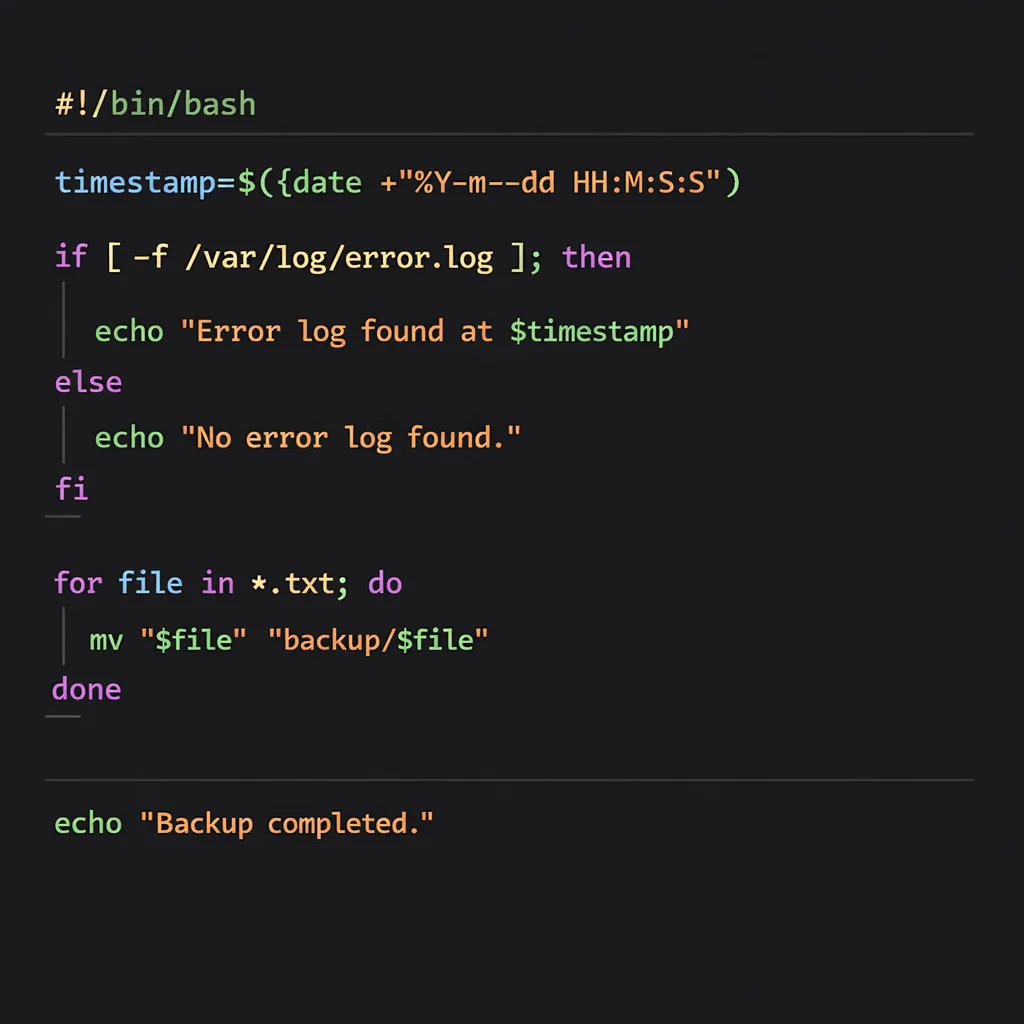
Every pull request triggers a standardized pipeline that runs type checking, linting with ESLint, formatting verification with Prettier, the full test suite, and a production build. If any gate fails, the merge is blocked automatically. This eliminates code review bottlenecks caused by style debates and catches type errors before they reach human reviewers, allowing engineers to focus review time on architectural decisions and business logic correctness.

Expected Structure

src/main.ts           CLI handler
bin/cli.ts            Binary entry
src/commands/         Command modules
src/lib/              Shared utilities
tests/                Test suite

Developer Commands

npm install
npm run dev
npm run build
npm test
npm run lint
npm run format

Differentiation and Moat

Consistency

Every CLI tool follows identical patterns, reducing cognitive load for developers and enabling cross-team collaboration without ramp-up time.

Speed

New tools start from proven foundation, eliminating boilerplate decisions and cutting initial setup from days to under an hour.

Quality

Built-in quality gates prevent regressions and ensure production readiness from the first commit to final deployment.

Results and Impact

Measurable improvements across the engineering organization since adopting standardized CLI development practices.

73%
Faster Scaffolding
40%
Fewer Defects
2x
Delivery Cadence
1 day
Onboarding Time

Since adopting these standards, new engineers contribute production code within their first day. The standardized structure eliminates the need to learn project-specific conventions, while automated quality gates catch common mistakes before code review. This translates directly into faster feature delivery and reduced maintenance burden across the entire tool portfolio.

Developer productivity metrics and delivery pipeline results

Commercial Use Cases

Internal Tooling

Rapid development of internal CLI tools with enterprise-grade quality. Teams ship automation scripts, deployment helpers, and data migration tools with confidence that they meet organizational standards without additional oversight.

Client Deliverables

Consistent CLI tools for client projects with professional polish. When clients receive tooling built on our standards, they get predictable interfaces, comprehensive help systems, and reliable error handling regardless of which engineer built the tool.

Open Source

Foundation for open source CLI tool releases with community standards. Our scaffolding includes contribution guidelines, issue templates, and release workflows that make projects ready for community collaboration from day one.

Evidence of Execution

Standards Docs

AGENTS.md and CLAUDE.md guidelines

Structure Patterns

Defined layouts for all tool types

Test Framework

Coverage targets and CI integration

Quality Gates

Lint, format, and build workflows

Interested in This Solution?

Learn how we can establish engineering standards and accelerate your tooling development.

Schedule a Demo View All Projects